Estimating software
Estimating software that follows a price from the plans to the won job.
Taskr is estimating and tender tracking software for Australian trade contractors and estimating businesses. Log each tender as it arrives, count from the plans, price the work by section with your own labour rates and supplier prices, and see every tender through to won or lost. When you win, the estimate becomes the quote or the project without retyping it. It costs $100 per seat / month, ex GST, with a 14-day free trial.
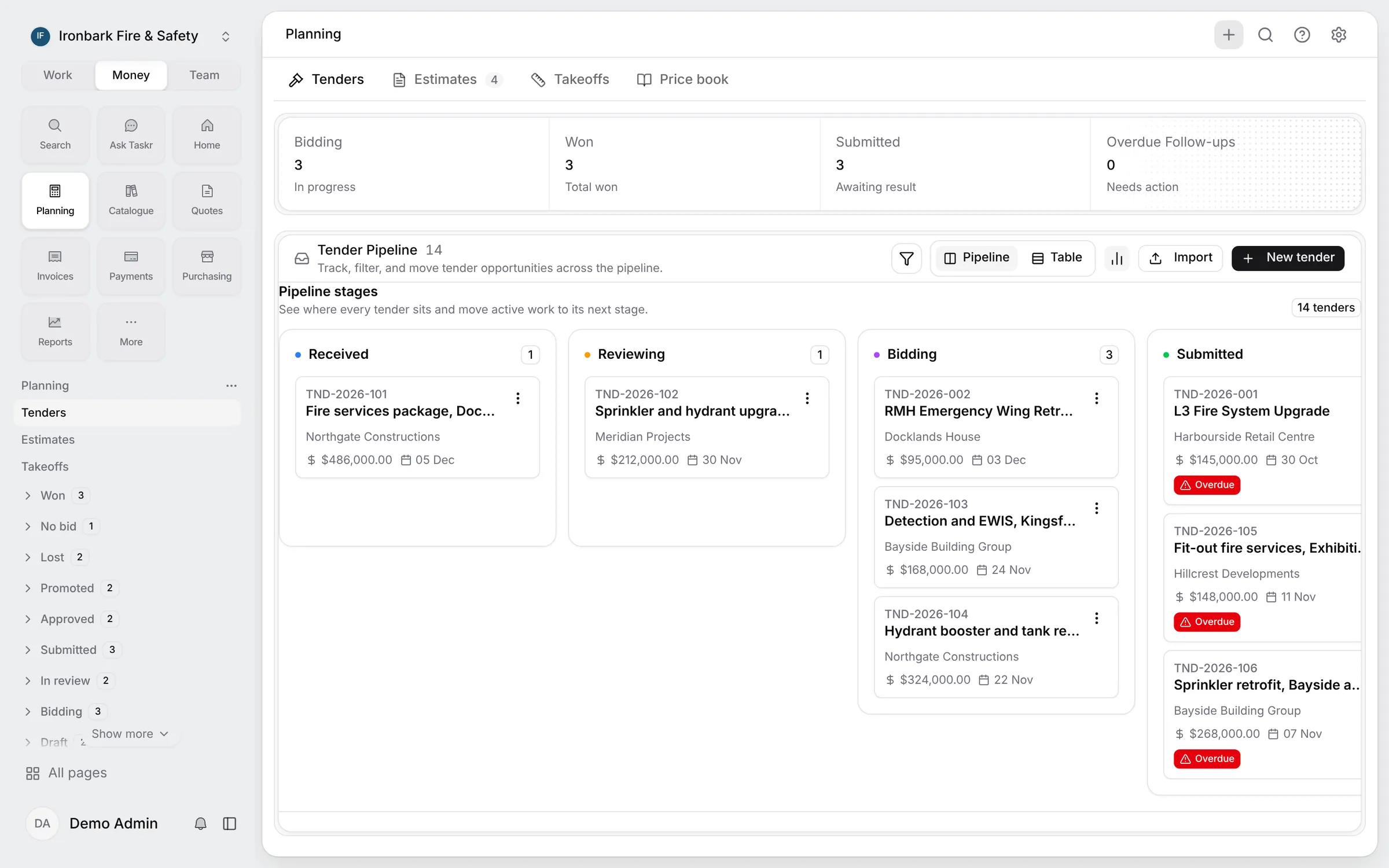
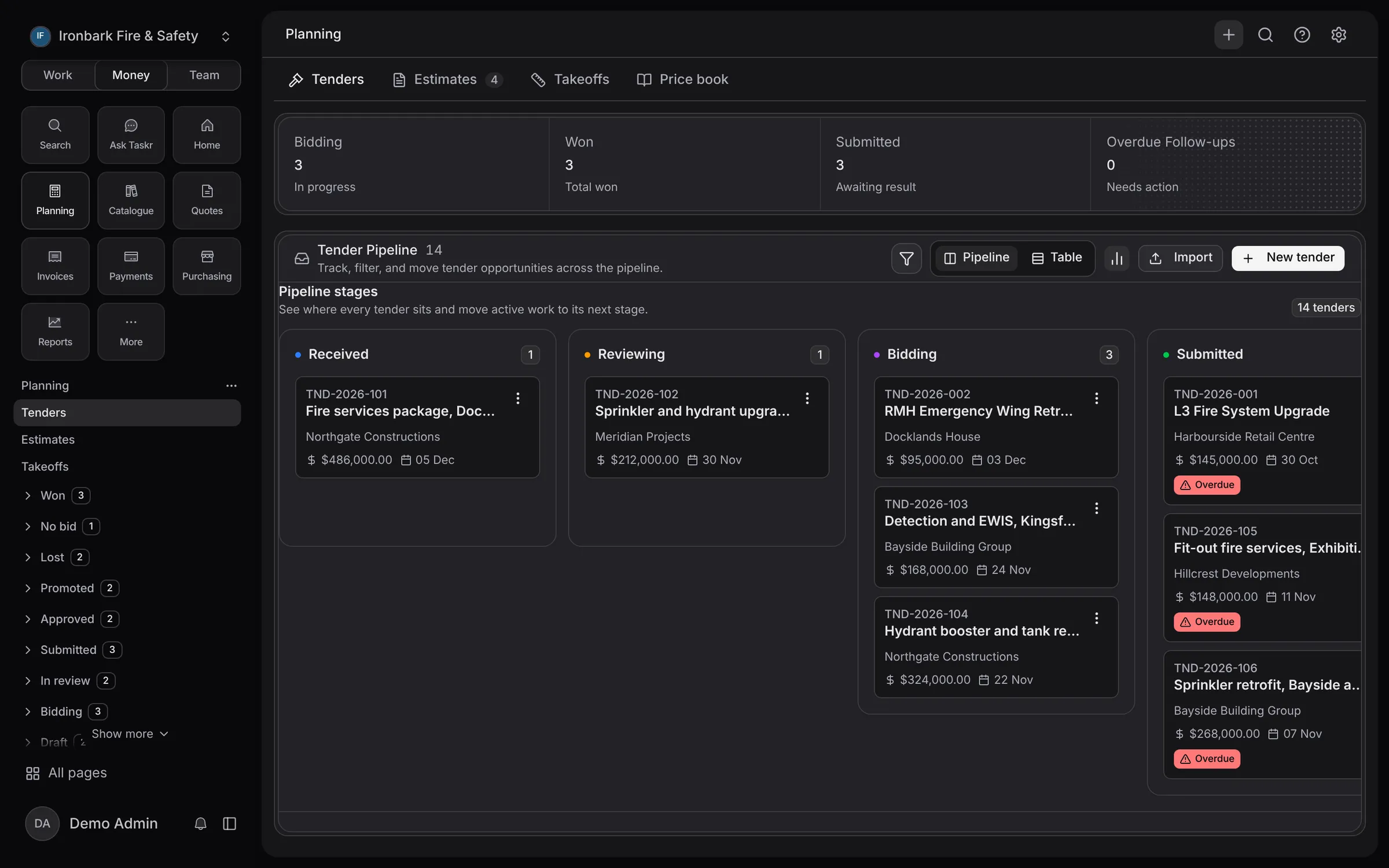
How a tender runs in Taskr, from invite to won job
- 1
Log the tender
Record each invitation as it lands: the builder, the project, where it came from (a direct invite or a tender portal), the value, the closing date and who is pricing it. Clarifications and addenda are kept against the tender, so nobody prices from an old drawing.
- 2
Take off the plans
Open the plan PDF, box one symbol and every one like it is counted. Lengths and areas are measured on the same sheet. The counts land in the estimate, linked to the drawing and revision they came from.
- 3
Price it by section
Break the job into sections by trade, floor or area. Each section carries labour hours at your rates, materials from your price book and supplier prices, and subcontractor bids, compared side by side. Overhead, profit and contingency are set once and the sell price follows.
- 4
Review and submit
Move the estimate from draft to in review to approved, so a second set of eyes checks it before it goes. The tender letter carries each section's inclusions and exclusions.
- 5
Track the outcome
Mark each tender won, lost or no bid, with the reason and the winning price when you hear it. The analytics show the value in the pipeline, your win rate and the margin you are pricing at.
- 6
Turn the win into the job
Promote the winning estimate to a quote or a project, with its sections as the budget. Job costing then shows the estimate beside what the job actually cost.
Auto takeoff: count a whole plan from one box
Box one symbol on the plan, a downlight, a smoke detector, a floor waste, and Taskr finds every other one on the sheet, turned or flipped, and rings it. Close calls are shown dashed for you to check instead of being counted silently.
At about 4 seconds a symbol by hand, a plan of 150 symbols is 10 minutes of tallying. With Taskr it is one box per symbol type and a look over the result, and the counts go straight into the estimate.
Try it here: box one symbol
Count our sample plan, or upload one of your own plans. It stays in your browser and there is no sign-up.
Step 1 of 4
Zoom in on the kitchen
Scroll, pinch or press + to zoom. Drag with the hand to move around the sheet.
Open the full takeoff tool for your trade:
Run a takeoff from Claude or ChatGPT
Connect Taskr to Claude or ChatGPT, on your computer or your phone, and ask in plain words, such as “count the downlights on E-201 and add them to the Harbourside estimate”. The assistant reads the sheet, finds the symbol from the legend, counts every one from a single example and stages the marks on the plan.
Nothing reaches the estimate until you accept it. Staged marks stay dashed in the takeoff for the estimator, and the assistant asks before it adds quantities to an estimate.
Watch a tender run from invite to project
The whole job, played start to finish: the tender lands, the plan is counted, the estimate is priced by section, submitted and won, and the win becomes a project with its budget. In Taskr a person approves the count, the estimate and the promotion. Here each one counts down from 3 and approves itself so the demo keeps moving.
The real product
What does estimating look like in Taskr?
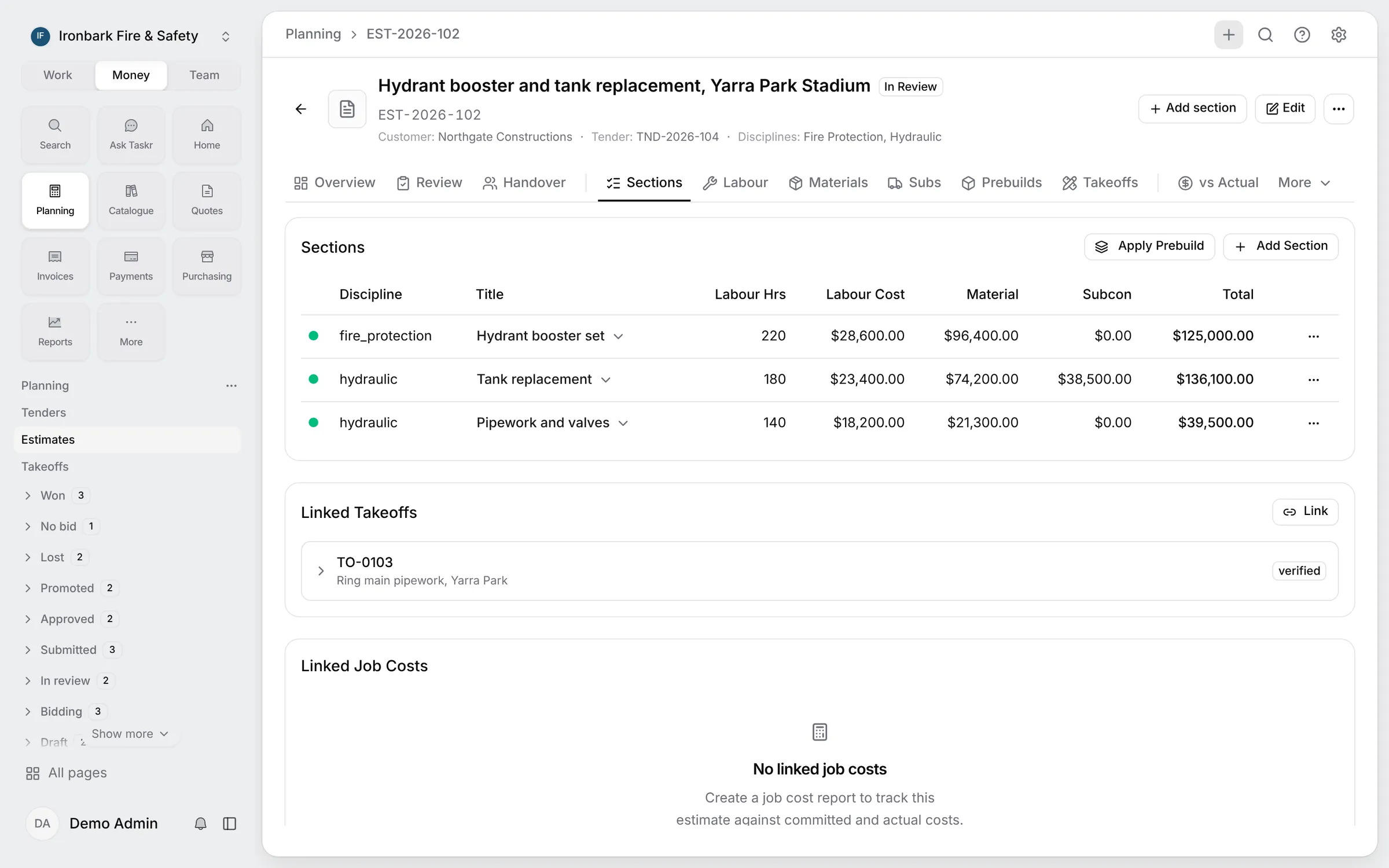
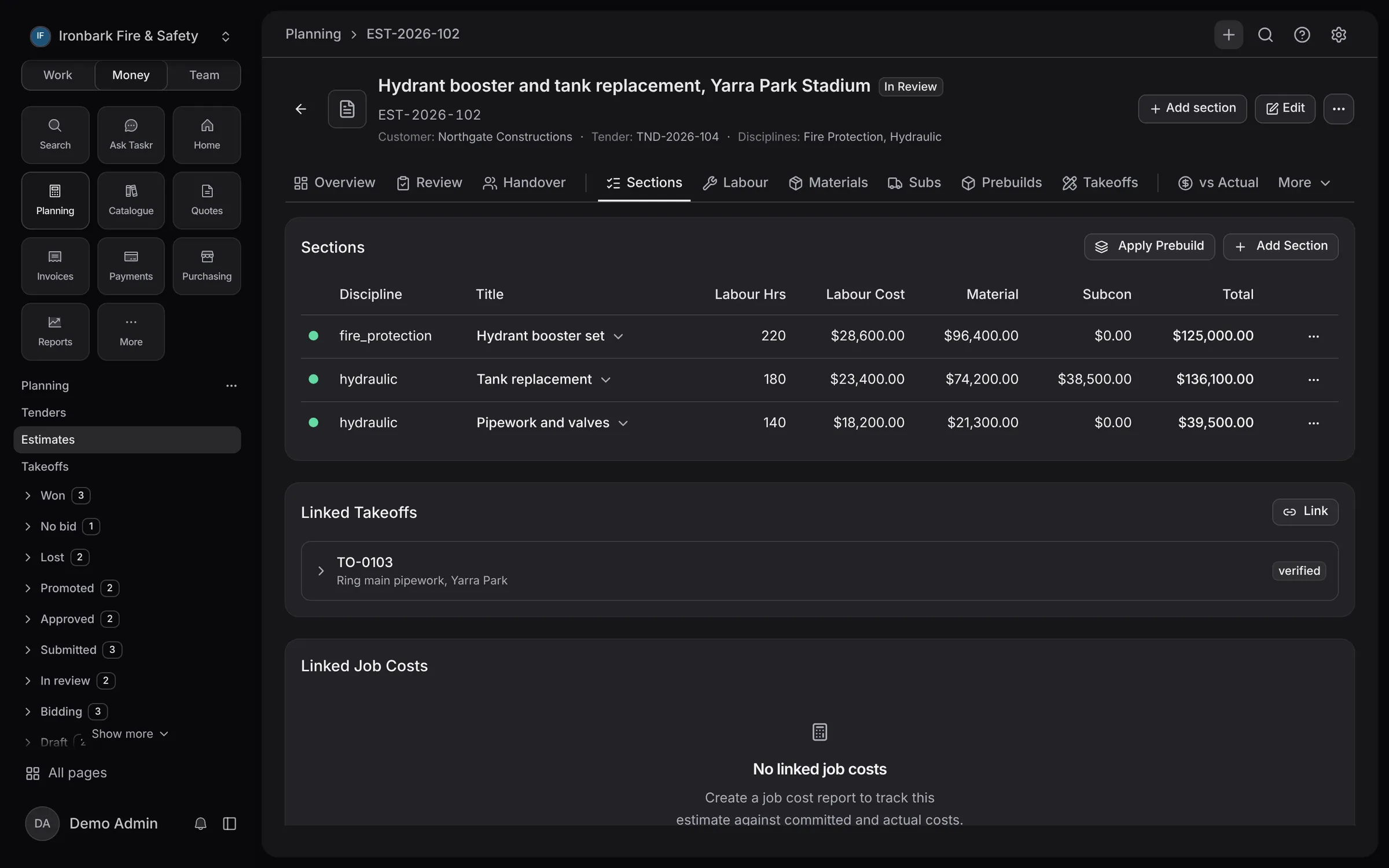
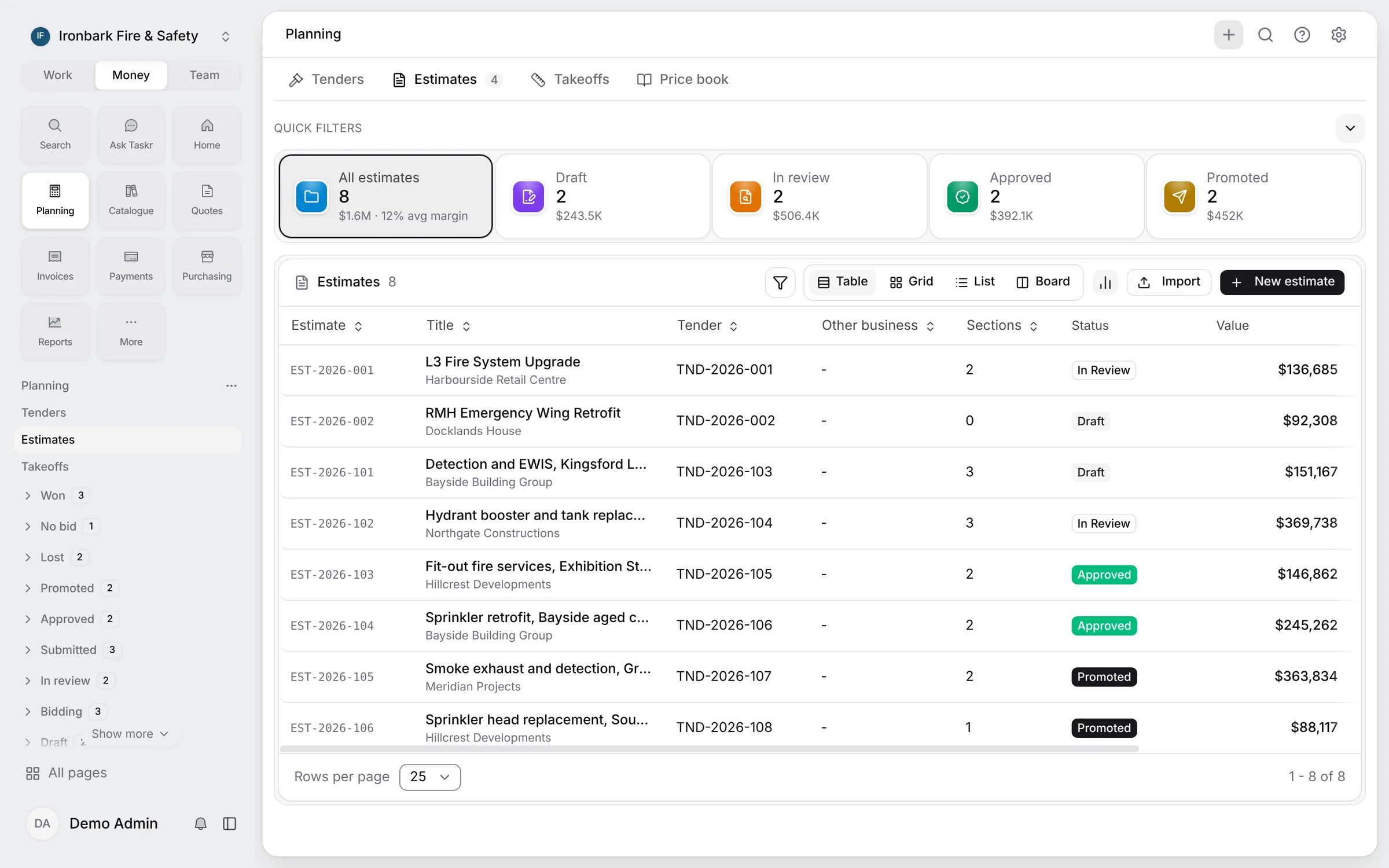
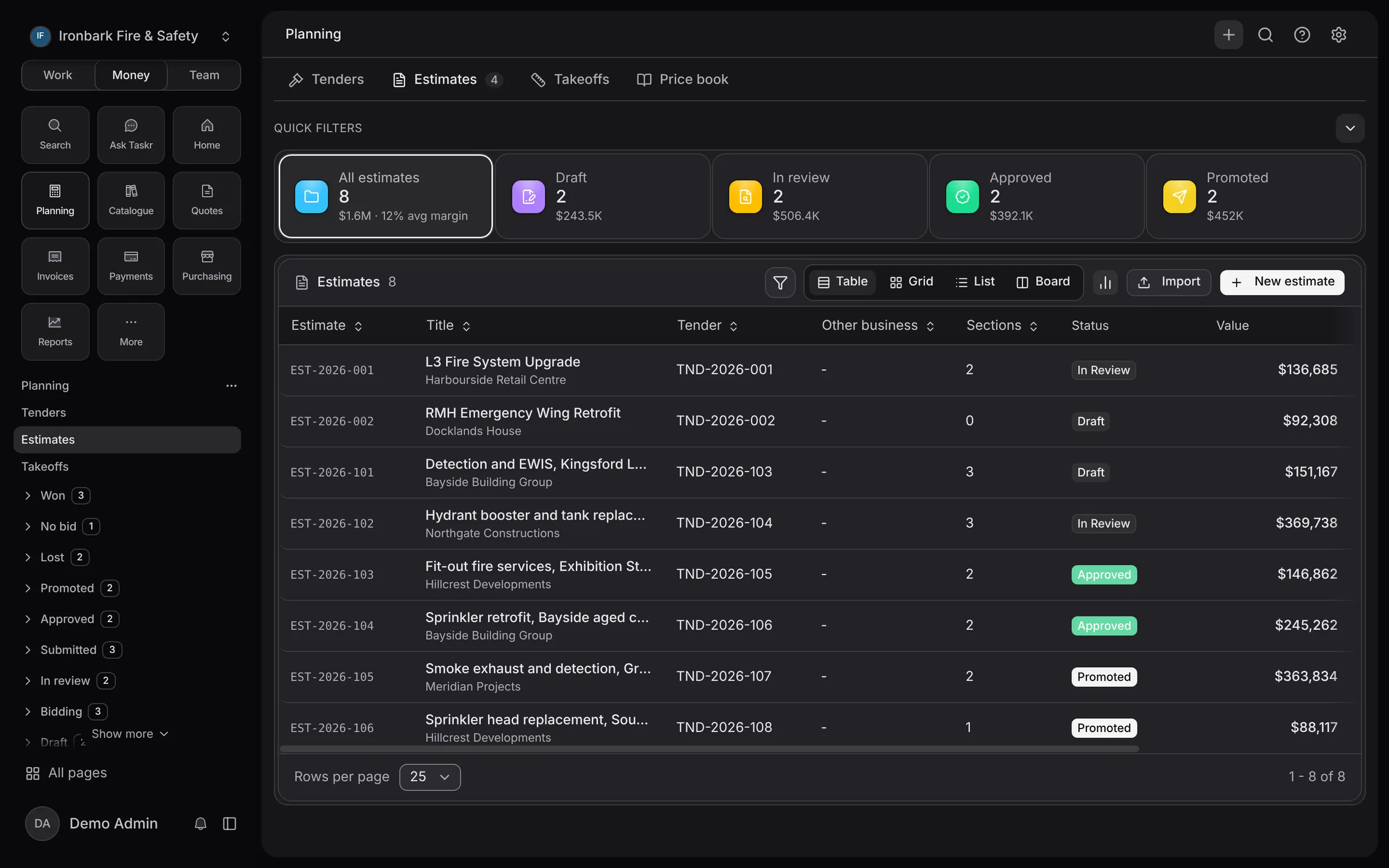
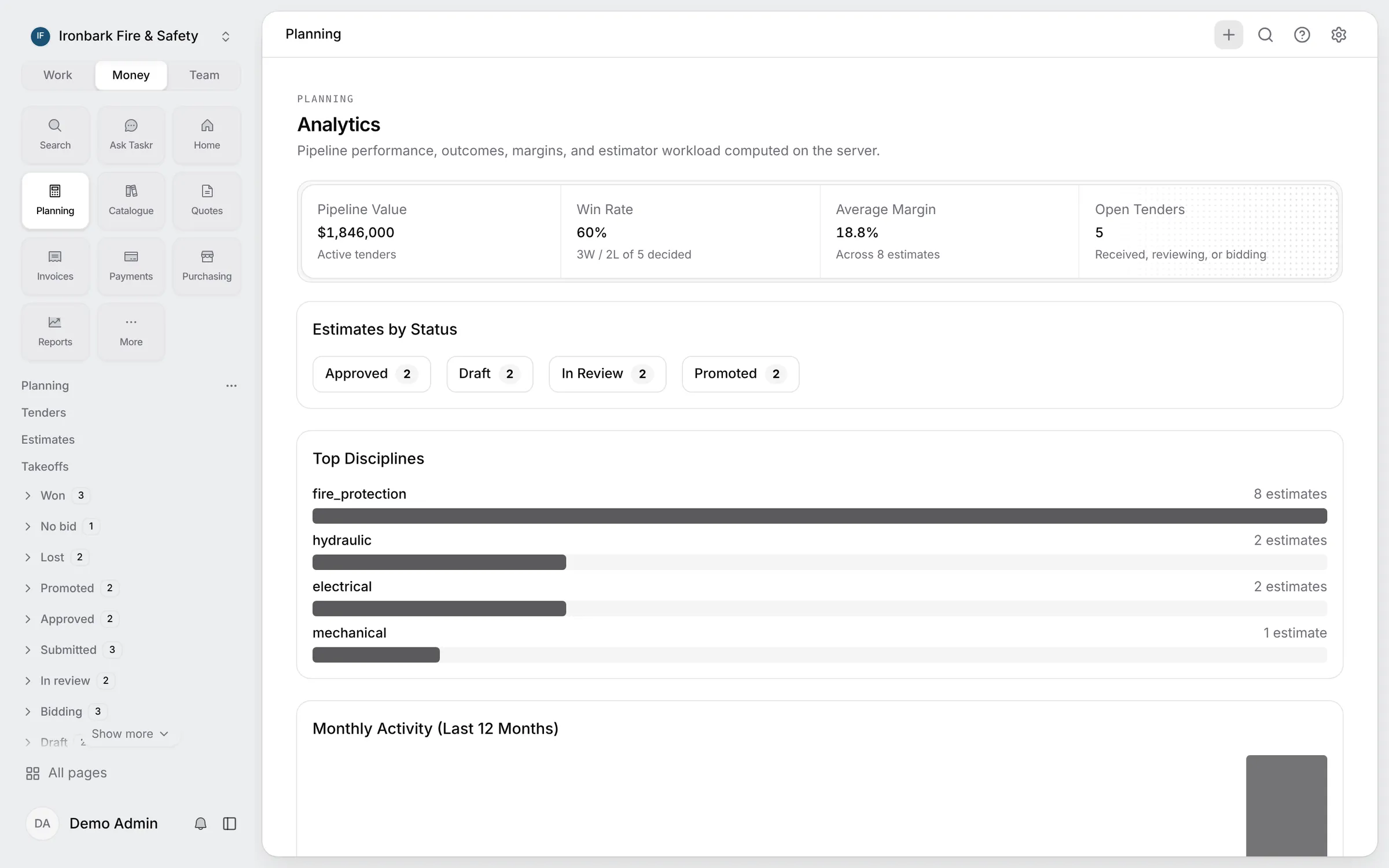
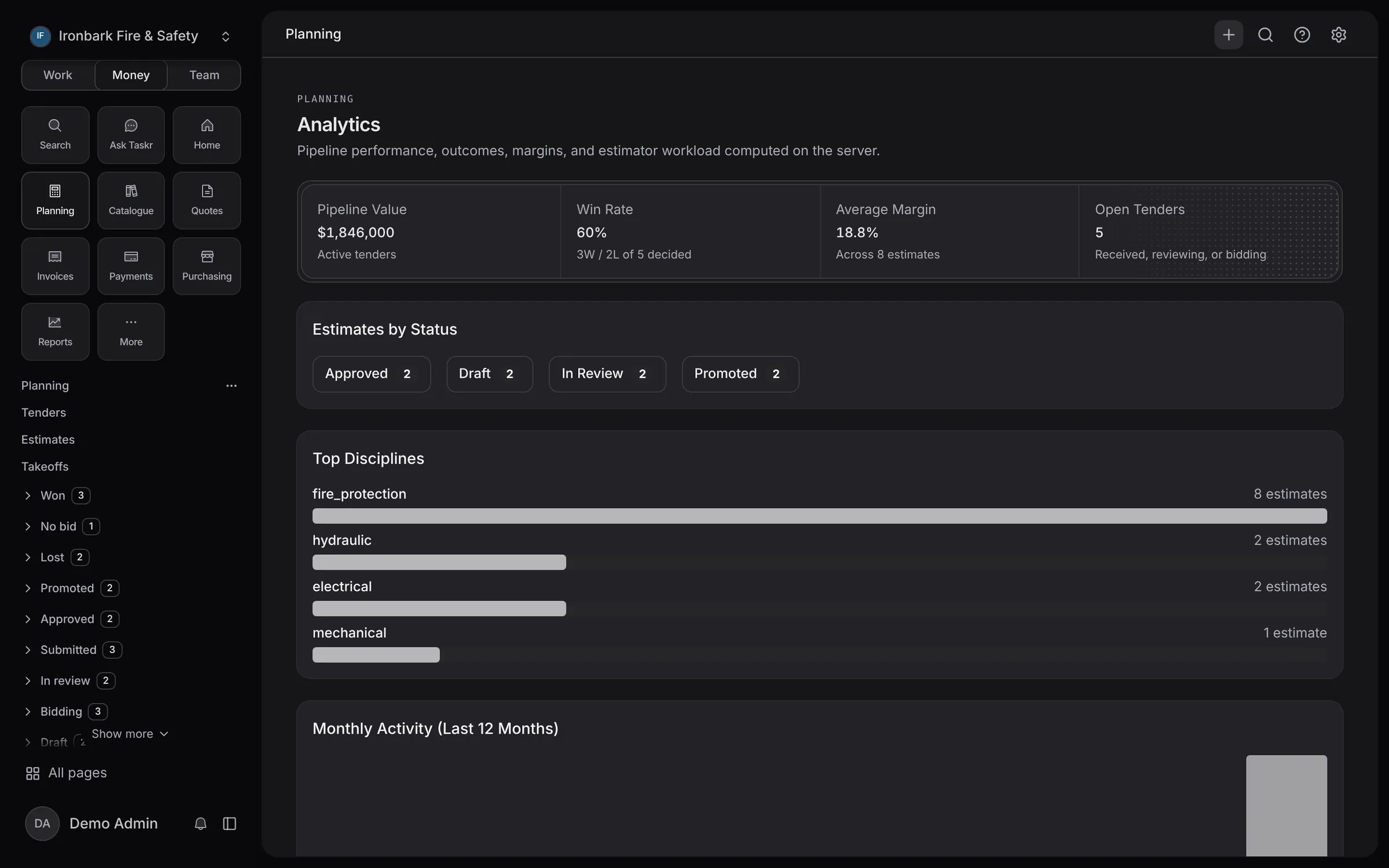
Shown with Ironbark Fire & Safety, a sample fire protection contractor. The builders and projects are made up.
Who it is for
Trade contractors who tender
Fire, electrical, plumbing, mechanical and other contractors who price packages for builders. The tender, the estimate, the won job and the invoice live in the same workspace, so the price you won on is the budget the job runs to.
Estimating businesses
Firms that price work for builders and other trades. Send the client a review link to the estimate; they take a copy into their own Taskr workspace, and each revision you send updates their copy without touching what they have added.
What to look for in estimating software
- Takeoff from the plan PDF, not a separate measuring app
- Estimates priced by section, with labour, materials and subcontractors
- Your own labour rates, price book and supplier prices
- Every tender tracked from invite to won, lost or no bid
- Win rate and margin you can see without a spreadsheet
- The winning estimate becomes the quote or project, not a retyped copy
FAQ
Frequently asked questions
Can Claude or ChatGPT do a takeoff in Taskr?
Yes. With the Taskr connector, Claude or ChatGPT can read a plan sheet, count a symbol from one example and stage the marks in the takeoff. Staged marks are dashed until the estimator accepts them, and adding quantities to an estimate asks for your confirmation first.
What is estimating software?
Estimating software works out what a job will cost and what to charge for it. It takes the quantities off the plans, prices labour, materials and subcontractors, adds overhead and margin, and produces the price you submit. Tender tracking adds the other half: which jobs you are pricing, when they close and which ones you won.
Does Taskr do plan takeoffs?
Yes. Open a plan PDF in Taskr, box one symbol and every matching symbol on the sheet is counted, and lengths and areas are measured on the same page. You can try the takeoff on a sample plan, or your own, at taskrs.com.au/tools/takeoff without signing up.
Can I track tenders and my win rate?
Yes. Each tender moves through received, reviewing, bidding and submitted to won, lost or no bid, with its closing date and estimator. Taskr's analytics show the value of open tenders, the win rate across decided tenders and the average margin on your estimates.
Can an estimating business use Taskr to price for clients?
Yes. Price the estimate in your workspace and send the client a review link. They take a copy into their own Taskr workspace with the scope and price by section. When you send a revision, their copy updates and anything they added stays.
What happens to an estimate when we win?
Promote it to a quote or straight to a project. The sections carry across as the job's budget, so job costing can compare what you estimated with what the job actually cost.
How much does Taskr's estimating cost?
Estimating is part of Taskr, which costs $100 per seat / month, ex GST. There is a 14-day free trial with every feature, and no lock-in contract.